16 Hrs
Source:
التيار الوطني الحر



Source: التيار الوطني الحر
16 Hrsالتيار الوطني الحر
Source: التيار الوطني الحر
16 HrsReady to play
Ready to play
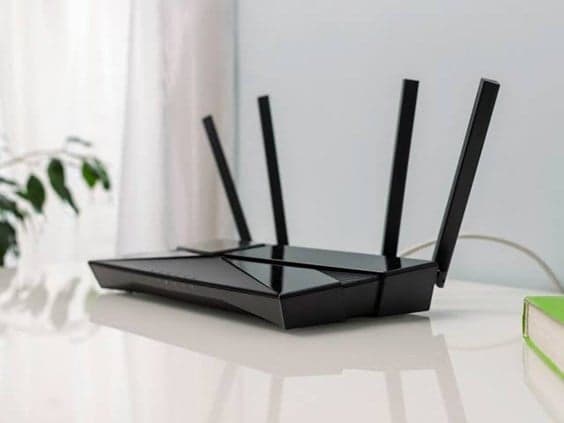
You can see which devices are connected to your Wi-Fi network through your router’s app, its settings page in a browser, or a network-scanning app such as Fing. These tools show device names, IP and MAC addresses, and manufacturer information. Before treating an unfamiliar device as an intruder, compare the list with the devices in your home. You can also temporarily disconnect a suspected device and refresh the list to see whether it disappears. If you confirm that an unauthorized device is connected, change your Wi-Fi password, block the device if possible, update your router’s software, and disable WPS if you don’t use it.
Notice: This Is an AI-Generated Summary
Comments (0)