19 Hrs
Source:
سواليف









Source: سواليف
19 Hrsسواليف
Source: سواليف
19 HrsReady to play
Ready to play
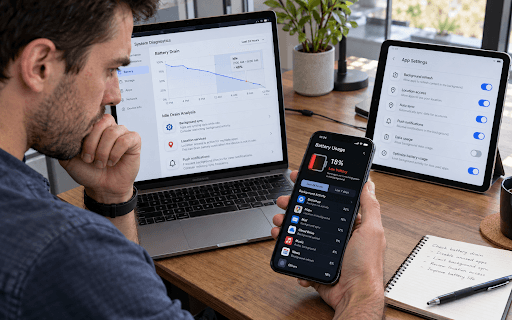
Apps may drain the battery while the phone is idle by syncing data, checking for notifications, using the network, location services, or sensors, or keeping the processor awake. The problem can worsen when these tasks are repeated frequently or network coverage is poor. Android documentation identifies background usage of 50 MB per day as a significant indicator when assessing certain cases, while battery reports show each app’s usage time and background activity. You can reduce battery drain by limiting unnecessary updates and permissions and batching syncs. Before judging an app, compare its background activity time with its battery consumption.
Notice: This Is an AI-Generated Summary
Comments (0)