2 Days
Source:
سواليف








Source: سواليف
2 Daysسواليف
Source: سواليف
2 DaysReady to play
Ready to play
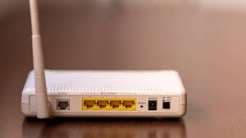
You can find out which devices are connected to your Wi-Fi network in three ways: through the router’s app, its settings page in a browser, or network-scanning apps such as Fing. Before treating an unfamiliar device as an intruder, compare the list with the devices in your home: some devices may appear under unclear names, and phones may use randomized MAC addresses. If you confirm that a device is unauthorized, you can change the network password or block it, update the router’s firmware, and disable WPS if you don’t use it.
Notice: This Is an AI-Generated Summary
Comments (0)